How to Grant Authority to Release Sales Margin Hold
Last updated: Aug 25, 2026
10
views

How to Grant Authority to Release Sales Margin Hold
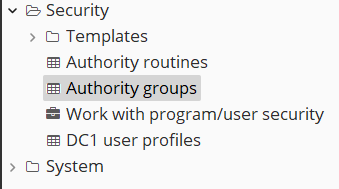
- Go to your quick links and open Authority Groups.
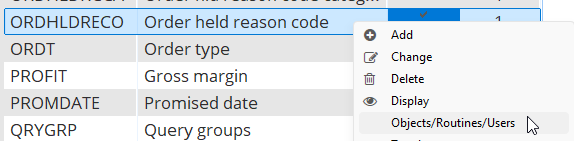
- Scroll to the entry ORDHLDRECO (Order held reason code), right click and select Objects/Routines/Users.
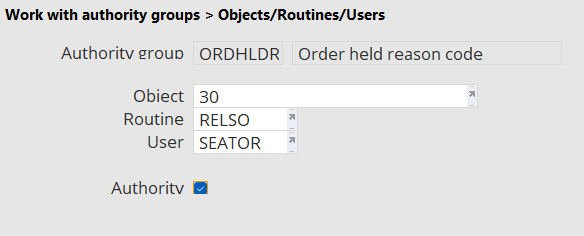
- Right click anywhere in the table and select add, then fill out the form with the relevant information, our current object code for margin restriction is 30. Be sure to check the authority box if you want the user to be able to lift the restriction.